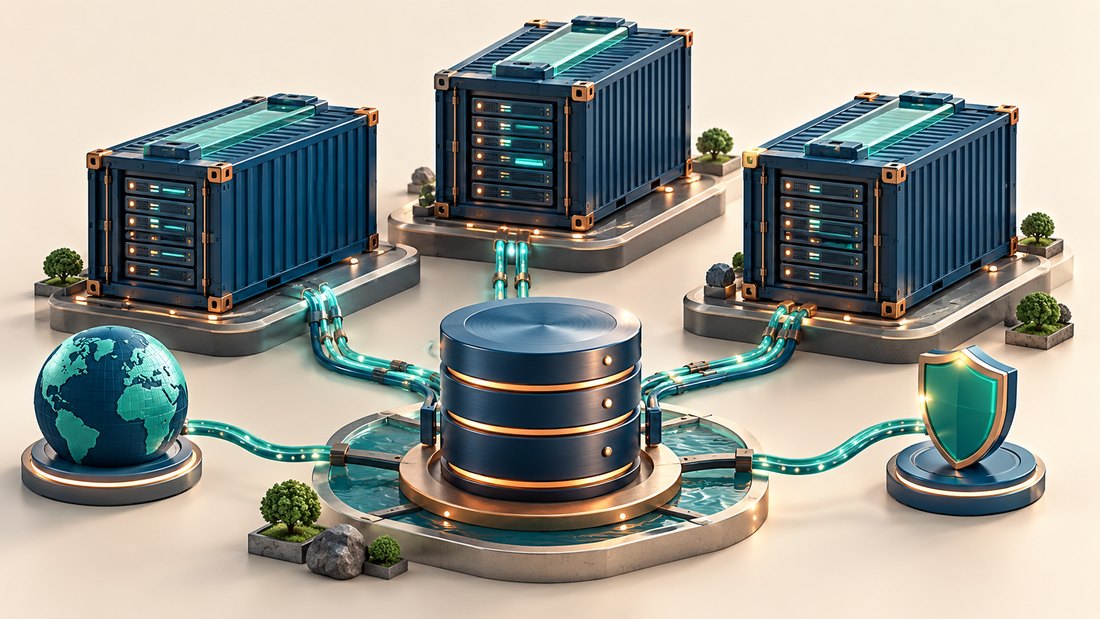
Docker on a VPS can make application packaging and deployment more consistent, but it does not remove server administration. The host still needs maintenance, the application still needs backups and published network ports still need deliberate control. A container that starts successfully is only the beginning of a production setup.
Docker's documentation defines storage, networking and logging behavior, while the application determines how data must be protected and upgraded. This article addresses a small self-managed deployment rather than assuming an orchestration platform or claiming containers automatically provide high availability.
This overview on getaboutcolumbia explains the decisions that should exist before the first production container is launched. The aim is a deployment that can be updated, observed and rebuilt without relying on the original administrator's memory.
Separate the application image from its persistent data
An image describes a packaged application environment. It is not automatically a complete backup of the data created after the container starts. Identify databases, uploads, generated files and configuration that must survive replacement, and decide where each of those items belongs.
Docker's volume documentation explains that volumes persist independently of a container's lifecycle. That persistence is useful, but it does not make the data protected from deletion, corruption or host failure. Record volume names, ownership, backup procedures and the application consistency requirements for restoring them.
Treat database storage with particular care. Copying files from a running database volume may not produce a usable recovery set unless the database supports the chosen procedure. The distinction between a consistent database backup and a copied directory applies equally to containerized and directly installed databases.
For a hypothetical site, the web application image can be rebuilt from version-controlled instructions, uploads live in a persistent volume and the database has a documented backup job. The recovery record connects these pieces to a compatible application release. Without that record, a fresh container may start with empty storage and look deceptively healthy.
Keep secrets out of the image and source repository. Use an appropriate runtime secret or configuration mechanism, restrict access and document how recovery obtains the required values. An image pushed to a registry should not carry production passwords merely because that made the first deployment simpler.
Verify network exposure and logging deliberately
Map internal container communication separately from ports published on the VPS. A database needed only by another container generally does not need a public host port. Publishing a port changes exposure and should be treated as a network change with a documented reason.
Docker's firewall documentation explains that Docker creates networking rules and that its behavior interacts with host firewall tools. Do not assume an existing UFW policy automatically governs every published container port in the way you expect. Validate reachability from an external system you control and review the provider firewall as another enforcement layer.
The planning method for VPS firewall rules remains useful: specify source, destination, protocol and purpose for each path. Include health checks, remote administration, backups and any private network connections. Test IPv6 as well when enabled rather than treating IPv4 results as complete.
Logs need a retention decision before production traffic begins. Docker's logging documentation notes that the default json-file driver does not rotate logs unless configured and describes other options. Inspect the actual daemon and container settings; changing a daemon default does not necessarily retrofit existing containers.
Decide how an operator will read recent failures after a deployment. Container names and identifiers can change, so monitoring should connect events to the service and release. Avoid placing credentials or private request contents in ordinary application output simply because centralized collection is convenient.
Plan updates as a lifecycle, not a pull command
Keep deployment configuration in version control without secrets, and record exact image references suitable for reproducibility. A moving tag can point to different contents at different times. Decide how updates are reviewed, tested and promoted rather than letting production change implicitly whenever a deployment runs.
Rebuilding an application image can incorporate dependency fixes, but the host operating system and Docker Engine also need maintenance. Assign responsibility for all layers. If a third-party image is used, verify its origin, maintenance policy and compatibility with the application rather than assuming its popularity is a support commitment.
Before an upgrade, back up persistent data using the supported procedure and test the new application against a protected copy. Check whether it changes the database schema. Rolling back an image alone may fail if the new release has already made incompatible data changes, so the rollback plan must cover both code and state.
Set resource expectations for each service and observe them on the host. Several containers can compete for the same memory and storage even when each appears independent. A container restart policy also does not provide another server when the underlying VPS fails.
Rehearse a replacement on a clean environment. Recreate the deployment, restore persistent data, provide secrets through the intended mechanism and run application checks. The broader VPS disaster-recovery process should include registries, image availability and remote storage credentials as dependencies.
Mistakes to avoid
Do not keep irreplaceable data only in a container's writable layer, expose a database port for convenience or prune volumes without knowing what they contain. Avoid assuming a health check proves all business functions work. A container that responds on one endpoint may still have broken email delivery, background processing or database migrations.
Two final recommendations
Write a per-service record covering image source, persistent data, published ports, resource expectations and recovery steps. This makes the deployment understandable even when containers are routinely replaced.
Test one complete upgrade and one clean restore before depending on the setup for important transactions. Those exercises reveal missing data, permissions and external dependencies that a successful first launch does not expose.
Conclusion
Docker on a VPS simplifies packaging when its storage, networking and maintenance responsibilities are handled explicitly. Containers do not eliminate the need to operate the host or protect application state.
Keep persistent data separate, verify external exposure, control logs and update both images and the underlying server. Treat database compatibility as part of rollback planning.
Build a deployment that another administrator can recreate. Reproducible configuration and tested recovery provide more value than a container that only runs correctly on its original machine.
