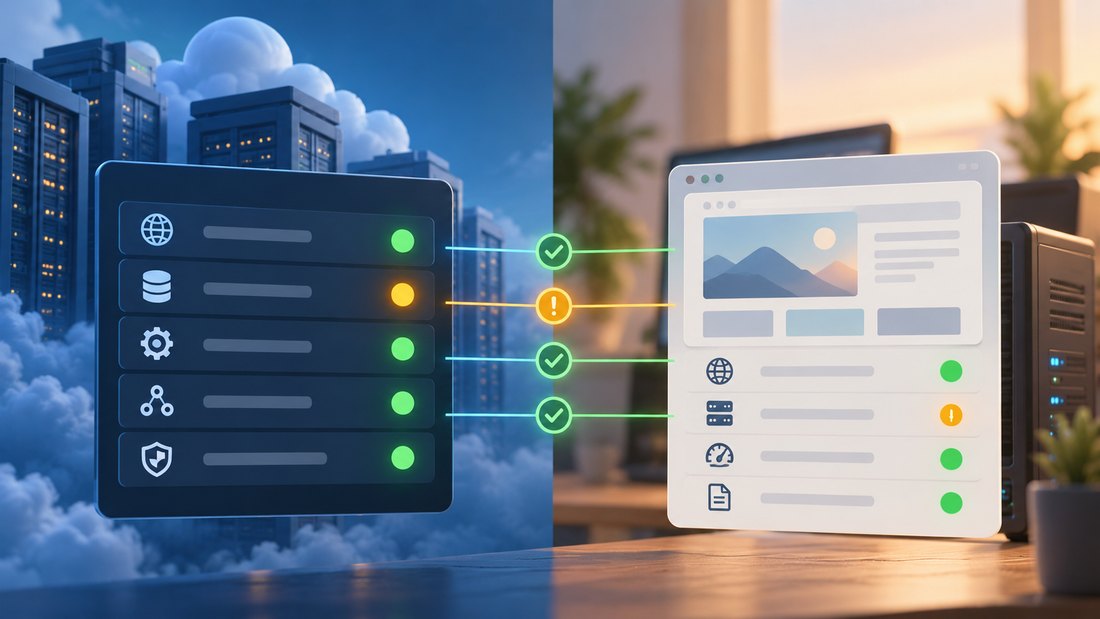
A hosting status page can help explain an outage, but it cannot by itself establish whether your website is affected. Providers report incidents at different scopes: a region, a service, a network location, or a particular account. Your symptoms must be compared with that scope and the event’s timing.
A green public dashboard does not prove that your application is healthy, and a red component does not prove that it caused your error. Local configuration, resource exhaustion, DNS, certificates, and external dependencies can fail independently. Status information is one source of evidence within a controlled investigation.
This getaboutcolumbia article explains how to read provider updates, combine them with your own checks, and prepare a useful support request. It also shows how to communicate uncertainty without turning an early hypothesis into an unsupported public claim.
Match the reported event to your actual service
Record the website symptom first. Capture the exact error, affected function, first observed time with time zone, and the locations or networks where it occurs. If the homepage loads but checkout fails, write that distinction down. A vague report that the site is down makes it harder to compare your experience with the provider’s update.
Find the provider’s official status address through an established bookmark or its documentation. Avoid relying on an unrelated search result or an unverified social post during a stressful incident. Also keep the status pages for important dependencies, such as DNS, CDN, transactional email, and payment processing, in the operating record.
The AWS Health concepts documentation distinguishes public events from account-specific events. That illustrates why an authenticated account view can contain information absent from the public page. Check the provider’s supported account notifications when you have authorized access, especially for maintenance or resource-specific problems.
Compare the named service and region with your deployment. A control panel issue may prevent changes while existing websites continue serving traffic. A storage event may affect an application indirectly. Monitoring from multiple regions can help establish whether the impact is broad or limited to a particular route to the site.
Read the complete update sequence. An initial investigation notice may describe a suspected scope, while later updates narrow it or identify a workaround. Note both the event time and the publication time. A newly posted update can describe a problem that began earlier, and a resolved notice may precede full recovery of every dependent workflow.
Cloudflare’s official status page separates incident and maintenance information and provides notification options. Use those categories carefully with any provider. Planned maintenance can be relevant evidence, but its existence does not automatically explain every nearby error or imply that your particular service was interrupted.
Combine provider information with controlled local checks
Check the basic path without making speculative changes. Confirm DNS resolution, certificate behavior, HTTP response, and a representative application action. Compare a fresh request with cached content where relevant. A cached page can remain visible while the origin is unavailable, while a local browser issue can make a healthy site appear broken.
Review recent changes and relevant logs using the same time window as the reported incident. A deployment just before the failure deserves investigation even if the provider also has an open event. Keep both explanations provisional until the evidence connects the symptom to one of them.
When contacting support, provide the affected resource identifiers, region, timestamp, error details, and the checks already performed. Include safe request identifiers when available. Do not send passwords, tokens, complete customer records, or unredacted configuration exports merely to make the report look thorough.
Your hosting support evaluation should establish which channel handles urgent production issues and what your account is entitled to use. During the incident, ask a focused question: whether the named resource is affected and whether a particular reversible mitigation is recommended. This is easier to act on than a demand to inspect everything.
Coordinate changes through one incident lead. The Google SRE incident management chapter explains how defined operational responsibility and a shared record prevent conflicting interventions. A provider event can be made harder to diagnose if several people simultaneously change DNS, restart services, and restore databases.
Communicate the distinction between confirmed impact and suspected cause. A useful update can state that customers cannot complete sign-in and that the team is investigating a possible upstream issue. Avoid claiming the host is responsible solely because its status page contains an unrelated warning.
After the provider marks an event resolved, verify your own recovery. Check queues, delayed jobs, transaction reconciliation, and connections that may need a controlled refresh. Some applications retain failed state or accumulated work after the underlying service returns. Close the incident when your defined user functions are working, not just when a dashboard changes color.
Mistakes to avoid
Do not repeatedly change nameservers in response to a vague hosting notice. DNS changes can create additional delay and obscure the original problem. Do not restore a database merely because an upstream service is unavailable; restoration may erase legitimate data without addressing the cause.
Avoid letting the investigation become an unstructured sequence of guesses. A website first-hour response plan should preserve the timeline and state what each check is intended to establish. Evidence becomes more useful when the next operator can follow it.
Two final recommendations
Subscribe to relevant official notifications before an incident, then filter them to the services and regions you use where the provider supports that. Assign someone to review maintenance notices as well as active outages so required preparation is not lost in a general inbox.
Keep a compact dependency inventory with official status and support routes. Update it after migrations and new integrations. The inventory should help an operator identify the next relevant service without exposing credentials or relying on one person’s memory.
Conclusion
Hosting status pages provide valuable context when their scope and timing match the website’s observed failure. They are evidence to interpret alongside local checks, not a substitute for those checks.
Capture precise symptoms, compare affected components, inspect authorized account notices, and provide support with a focused report. Coordinate changes and verify the complete business workflow after recovery is reported.
Prepare the status and dependency inventory while the site is healthy. During an outage, that preparation helps the team investigate calmly and communicate what is known without jumping to conclusions.
