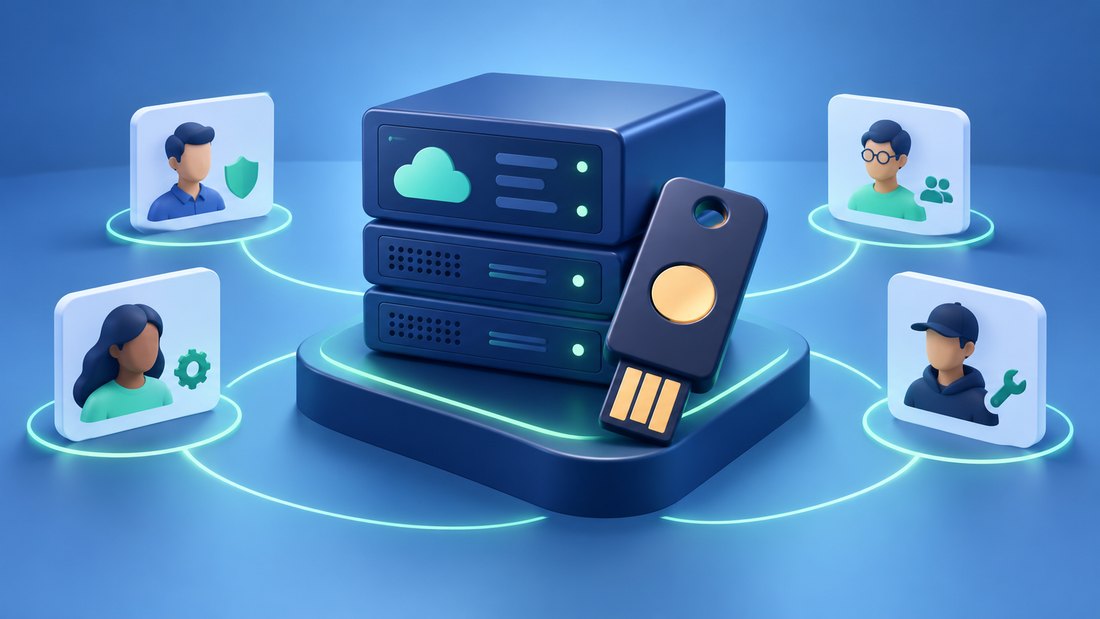
Hosting account security protects the control point above your website. Someone who gains access may be able to change DNS, download backups, create servers, reset application credentials, or delete resources. A strong WordPress password cannot compensate for an unprotected hosting owner account with those broader powers.
The available controls vary by provider and plan. Multi-factor authentication, team roles, API token scopes, and account recovery procedures must be checked in the service you actually use. Features with similar names can grant different permissions, so an account review should test effective access rather than rely on labels.
This article from getaboutcolumbia explains how to secure owner access, delegate routine work, and keep a reliable recovery path. The aim is to prevent a lost phone or departing contractor from turning a manageable access change into an avoidable website emergency.
Protect the owner identity and its recovery chain
Begin by identifying the legal or business owner of each account: hosting, domain registrar, DNS, backup storage, and the email address used for recovery. A freelancer’s personal mailbox should not become the business’s only route to its infrastructure. Transfer ownership through the provider’s supported process while all parties still have access.
Use a unique password where passwords are required and enable the strongest suitable authentication option the provider supports. The AWS IAM security recommendations favor phishing-resistant options such as passkeys and security keys where available. Do not assume that every hosting panel offers the same methods; verify the options for your specific login route.
Protect the recovery mailbox as carefully as the hosting account. If a reset message can reach an abandoned mailbox, the account remains exposed regardless of password complexity. Check forwarding rules, recovery contacts, and access held by former staff. Include this mailbox in the same review as your domain expiration protections.
Enroll a recovery method before closing the setup session. DigitalOcean’s two-factor authentication documentation, for example, describes backup codes and notes that federated logins use the identity provider’s authentication controls. The general lesson is to understand which system actually verifies the login and where its recovery process lives.
Store recovery material in an approved secure location accessible to the authorized owner without relying on the lost device. Record the existence and custodian of the material in your operating notes, not the secret values themselves. Review this arrangement after changing phones, password managers, or identity providers.
Perform a controlled sign-in check using a separate browser session. Confirm that the expected second factor is required and that the ordinary access path still works. Avoid testing recovery by intentionally disabling your only working method; the objective is confidence, not creating an unnecessary lockout.
Delegate daily tasks and review machine access
Create individual accounts for people who need access. Shared owner credentials make it difficult to remove one person cleanly or attribute a sensitive change. Someone who publishes articles normally needs application permissions, while someone who pays invoices may need billing visibility. Neither requirement automatically implies permission to delete production infrastructure.
The DigitalOcean team role documentation illustrates how providers distinguish permissions for resources, billing, and settings. Apply that idea as a checklist rather than copying a role name between products. Test whether the selected role can complete its task and whether it can perform unrelated destructive actions.
For an agency relationship, put ownership and delegation in writing. Who can add members? Who receives security alerts? Who can open support cases? A least-privilege access model should include both normal operations and temporary emergency elevation, with a clear point at which elevated access expires.
Inventory machine credentials separately. Deployment keys, API tokens, backup credentials, and monitoring integrations can continue to work after a person loses dashboard access. Give each integration a descriptive identity, a defined purpose, and the smallest supported scope. Record which service will fail if the token is revoked.
When a contractor leaves, remove memberships and review credentials that person could access. Rotate affected secrets through a planned process, check the deployment and backup jobs, and then confirm the old credentials no longer work. Disabling the person’s email account alone does not complete offboarding.
Turn on relevant security notifications and inspect recent activity where the platform provides it. Alerts are useful only if someone reads them and knows what action to take. Changes to owner email, authentication methods, team membership, DNS, or API tokens deserve particular attention because they can alter future control of the account.
Mistakes to avoid
Do not keep recovery codes in the same unprotected folder as a password export. Do not share an authenticator code with someone claiming to be support. Use the provider’s authenticated support channel and its documented verification process instead of trusting an urgent unsolicited message.
Avoid granting permanent owner access to solve a short deployment problem. If the provider’s roles are too broad for the task, consider a separate environment or an alternative deployment mechanism. Your application secret handling should not require every contributor to know production credentials.
Two final recommendations
Run an access review whenever team membership changes and at a recurring interval appropriate to the business. Verify the owner, recovery mailbox, active members, API credentials, and security alert recipients together. These pieces form one control chain and should not be audited independently.
Document an emergency access procedure with a named backup custodian. Include where to find provider support and proof of ownership, but keep credentials in the approved secure system. The substitute should understand the process before the primary administrator becomes unavailable.
Conclusion
Hosting account security combines strong authentication, limited delegation, careful machine credentials, and recoverable ownership. Protecting only the website login leaves the higher-level control plane exposed.
Map who owns each account, test the actual permissions of routine roles, and review the email and recovery methods behind them. Remove obsolete access across both people and integrations.
Start with the owner account and recovery mailbox today. Once that foundation is dependable, ongoing access reviews become shorter and emergency recovery becomes far less dependent on a single person or device.
